





 Support Center
 Contact us
"HiTooler File Recover" FAQs
How to recover files from a crashed computer?
1. Install "HiTooler File Recover" on a computer that can start normally.
2. Insert a USB flash drive. Note that we will use this USB flash drive to make a computer boot disk, so all the data in the USB flash drive will be lost. Please make sure that there is no important data in the USB flash drive.
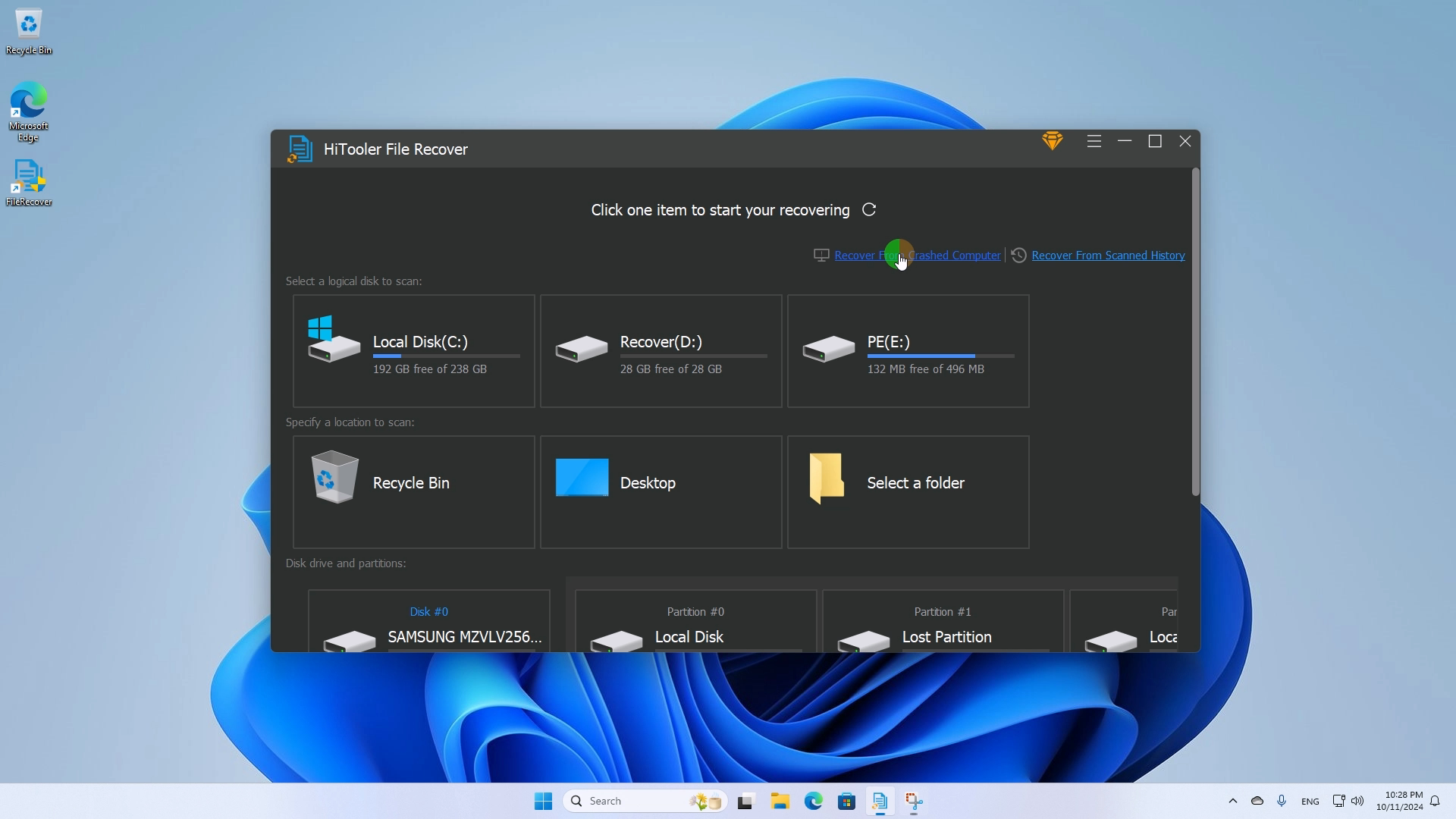
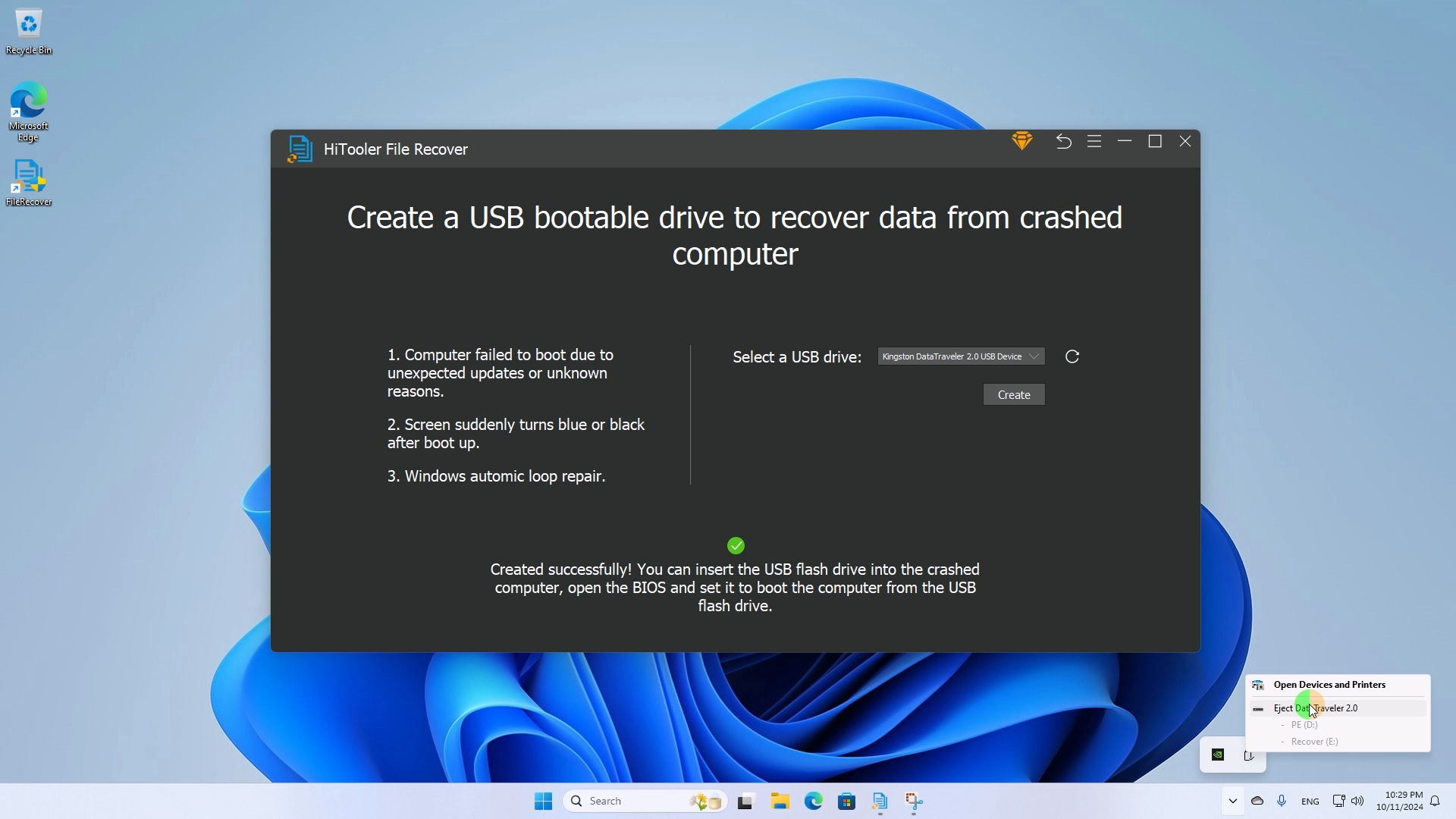
3. Open "HiTooler File Recover". Click "Recover From Crashed Computer" and select the USB flash drive you just inserted. If you cannot find the USB flash drive you just inserted, try clicking the refresh button on the right or unplugging the USB flash drive and reinserting it. Click "Create" to start creating a boot disk.
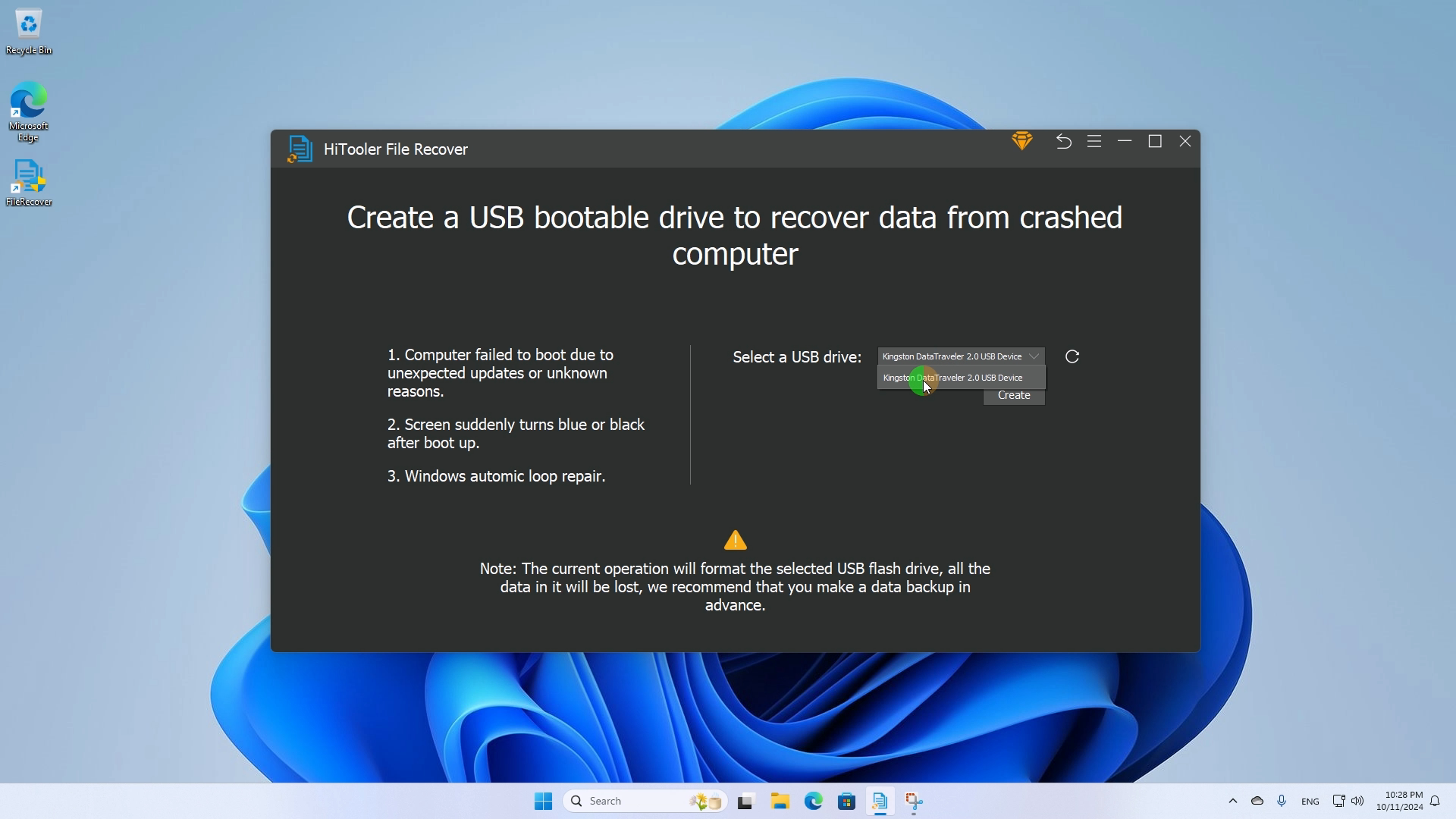


4. After creating the USB boot disk, safely eject the USB flash drive, and insert the USB flash drive into the crashed computer, start the computer and enter the BIOS mode, select the USB flash drive as the boot disk, and then restart the computer.
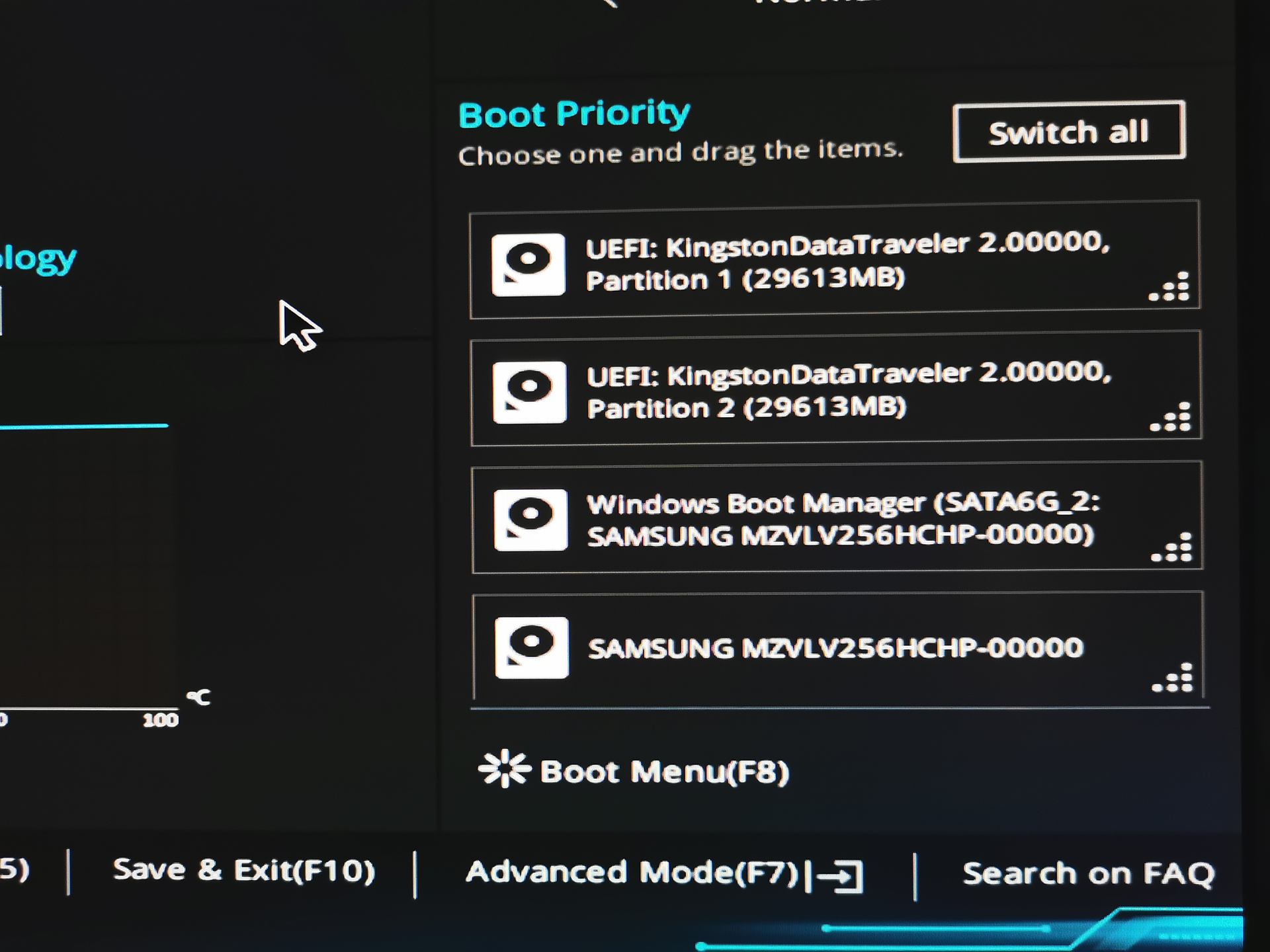
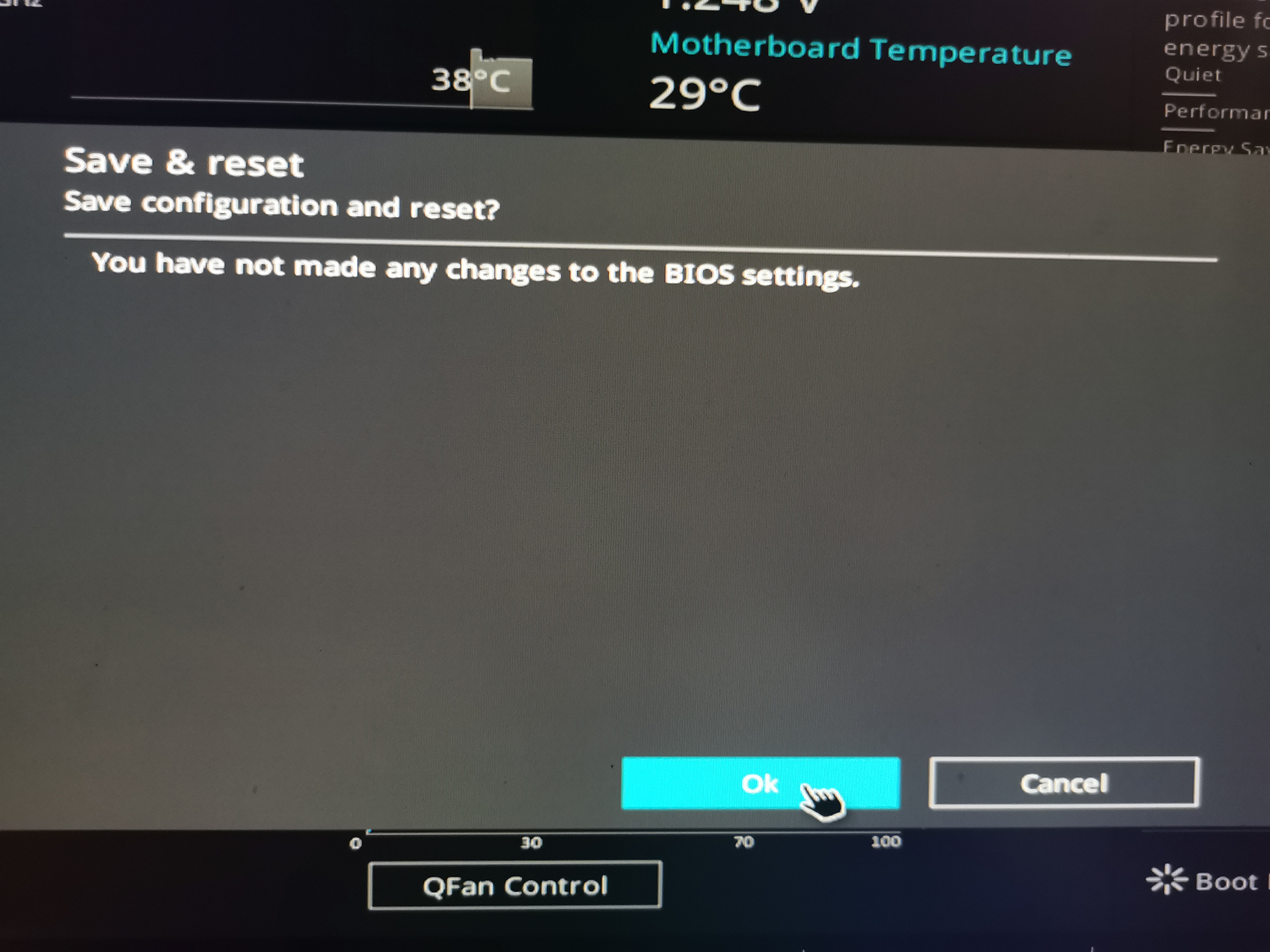
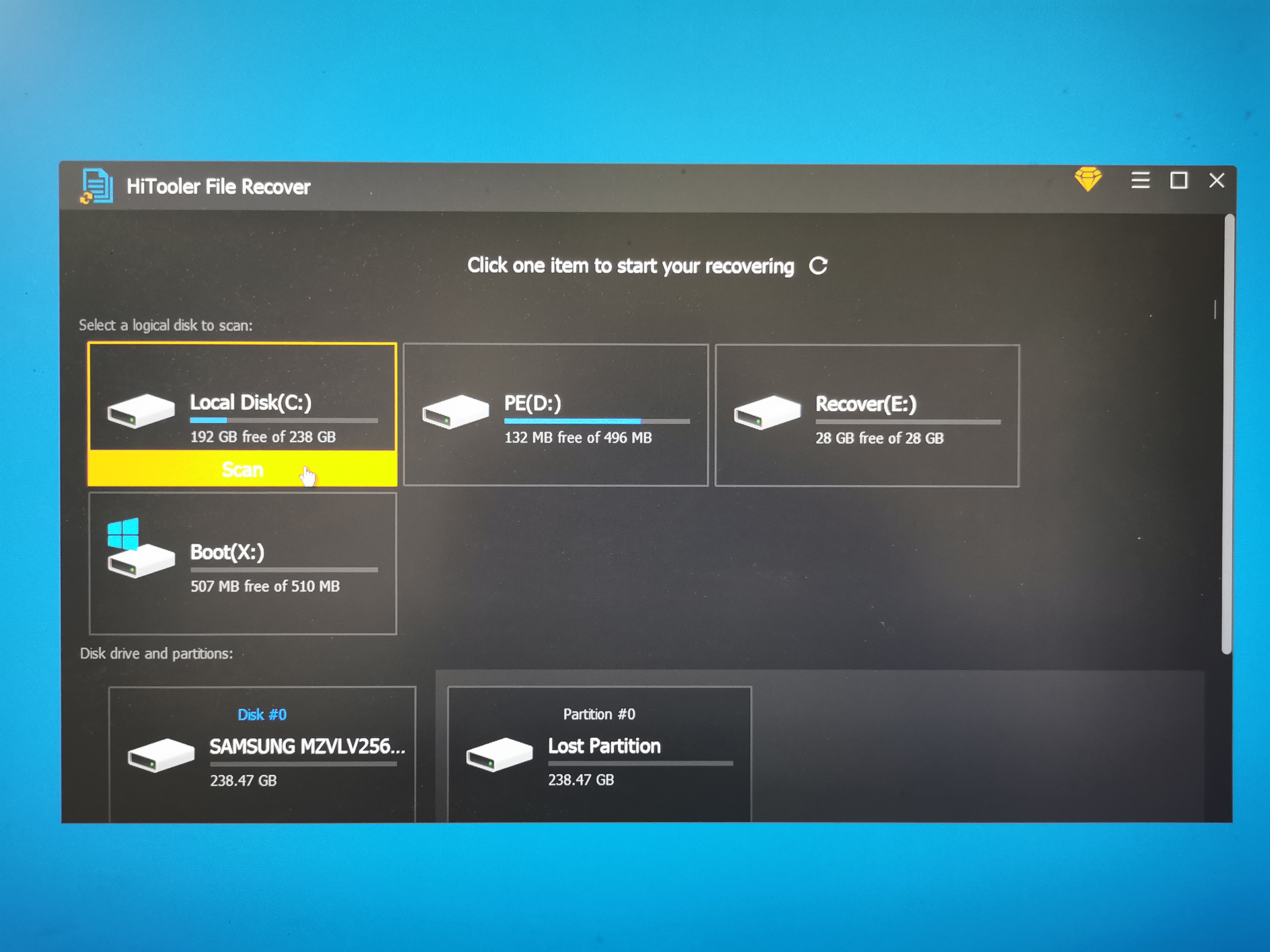
5. After restarting the computer, the system will automatically open "HiTooler File Recover", and you can scan the crashed computer at this time.
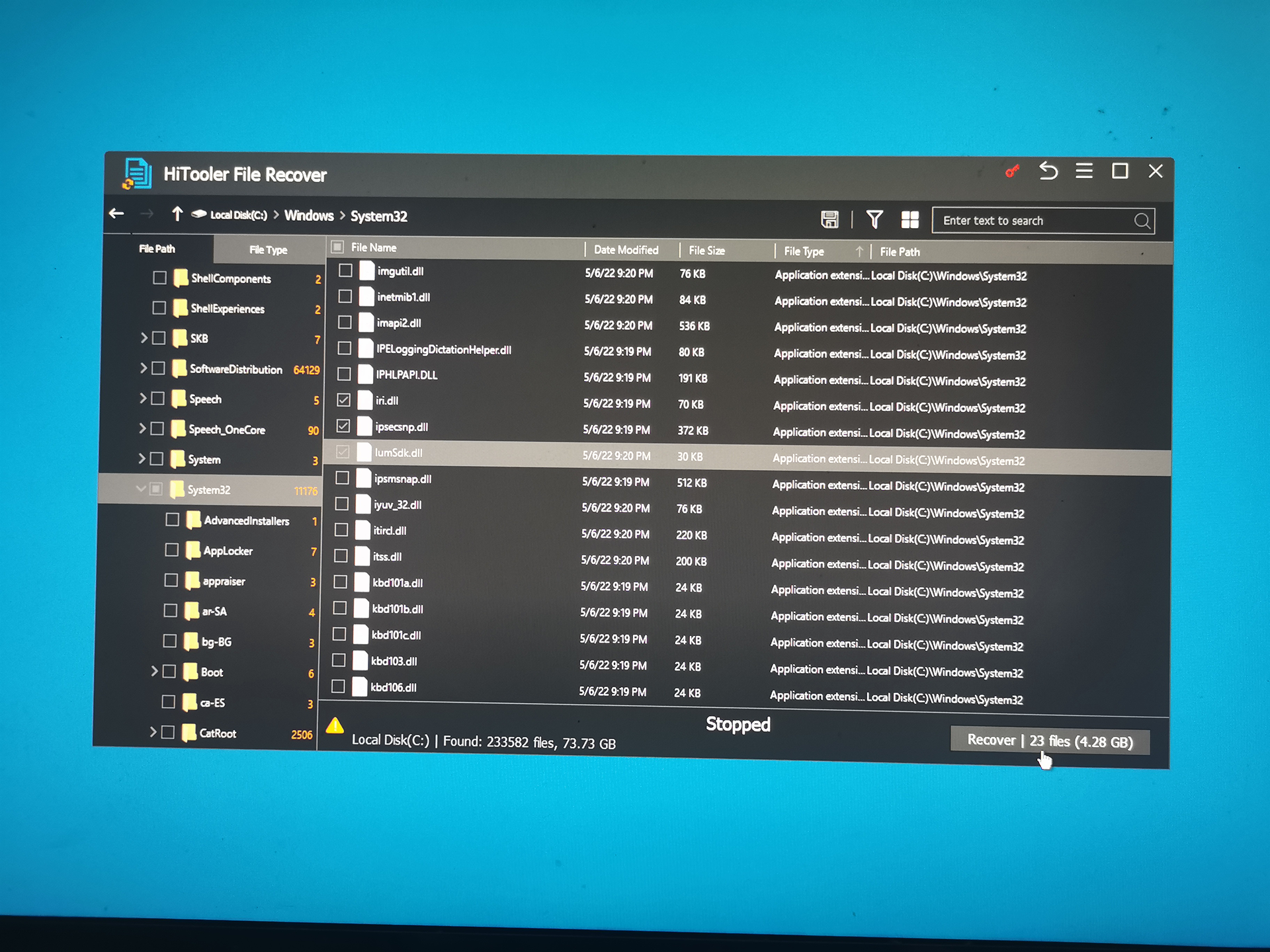
6. After the scan is completed, select the files to be recovered and click "Recover". Note that you need to select a directory to save the recovered files when recovering. You can save them directly to the current USB flash drive, or insert another storage device to save the files.
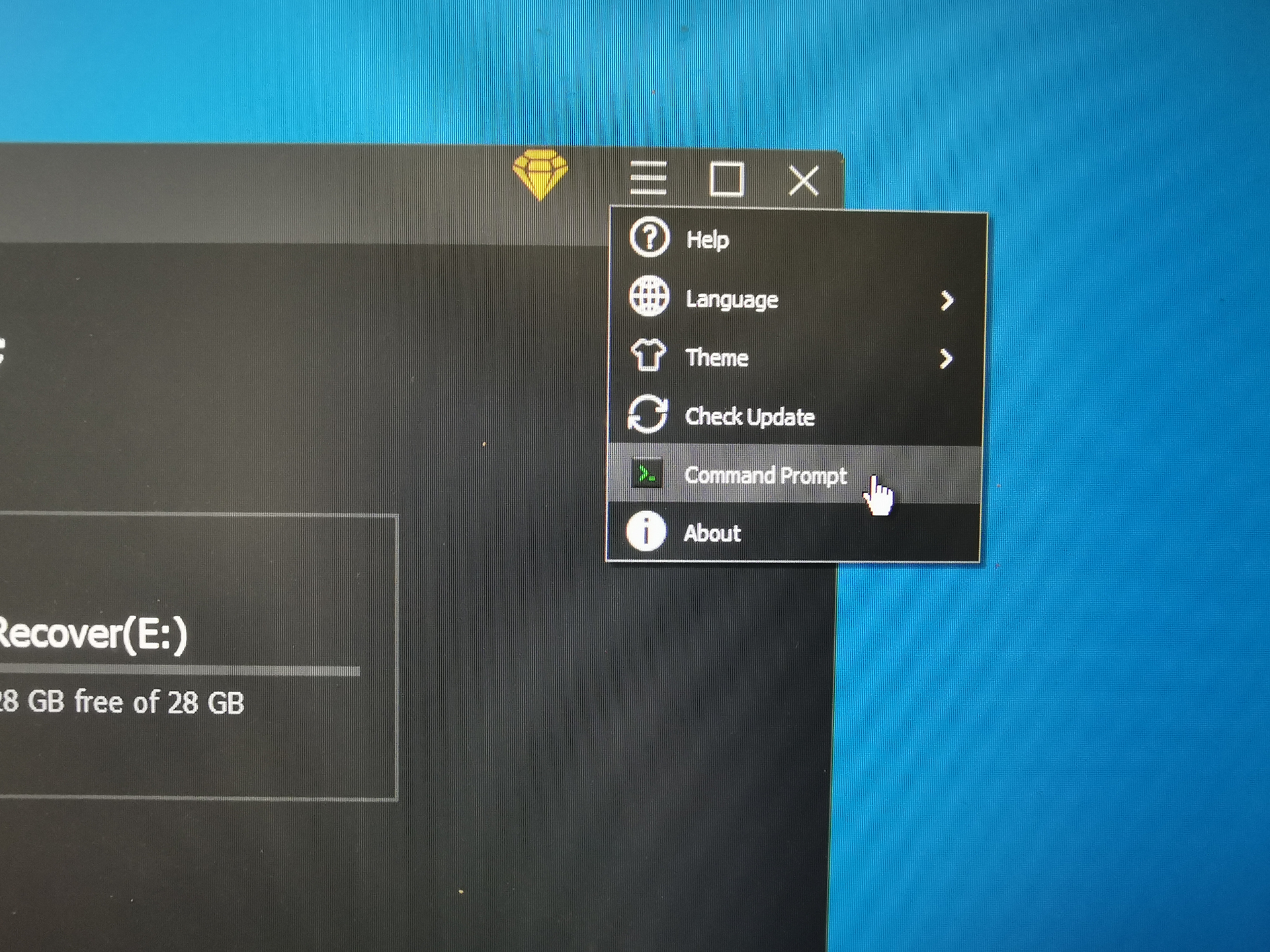
7. In addition, you can also click the "Command Prompt" menu to open a command prompt program, and then you can execute any command in the command prompt program.