





 Support Center
 Contact us
HomeSupport Center"HiTooler Media Converter" FAQs![HiTooler media converter open software]()
![HiTooler media converter open file]()
![HiTooler media converter select format]()
![HiTooler media converter click start]()
![HiTooler media converter save to]()
![HiTooler media converter progress]()
![HiTooler media converter convert video completed]()
"HiTooler Media Converter" FAQs
How to convert a video file to another format?
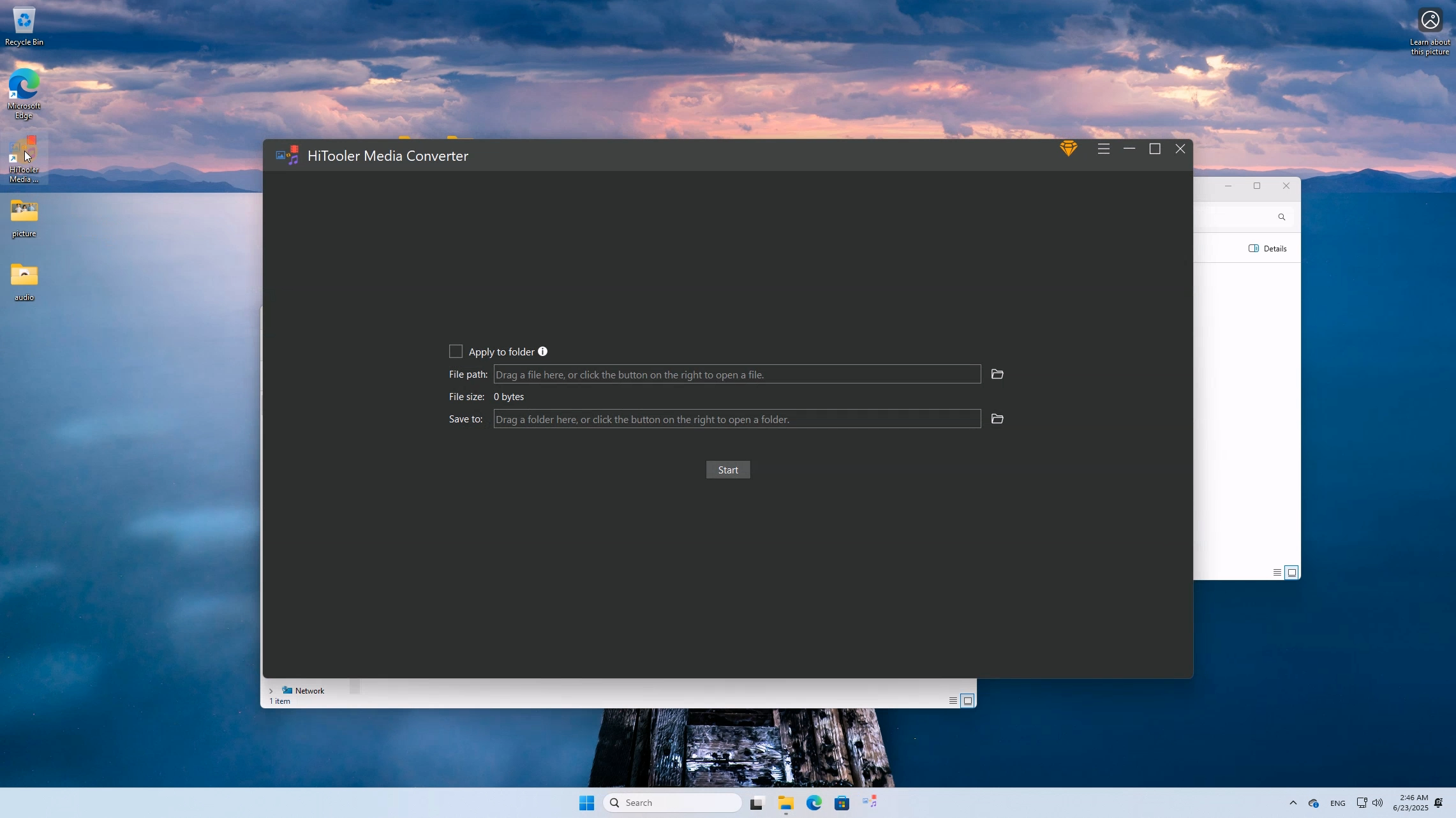
1. Download and install "HiTooler Media Converter", and open it after installation. If it is already installed, you can open it directly.
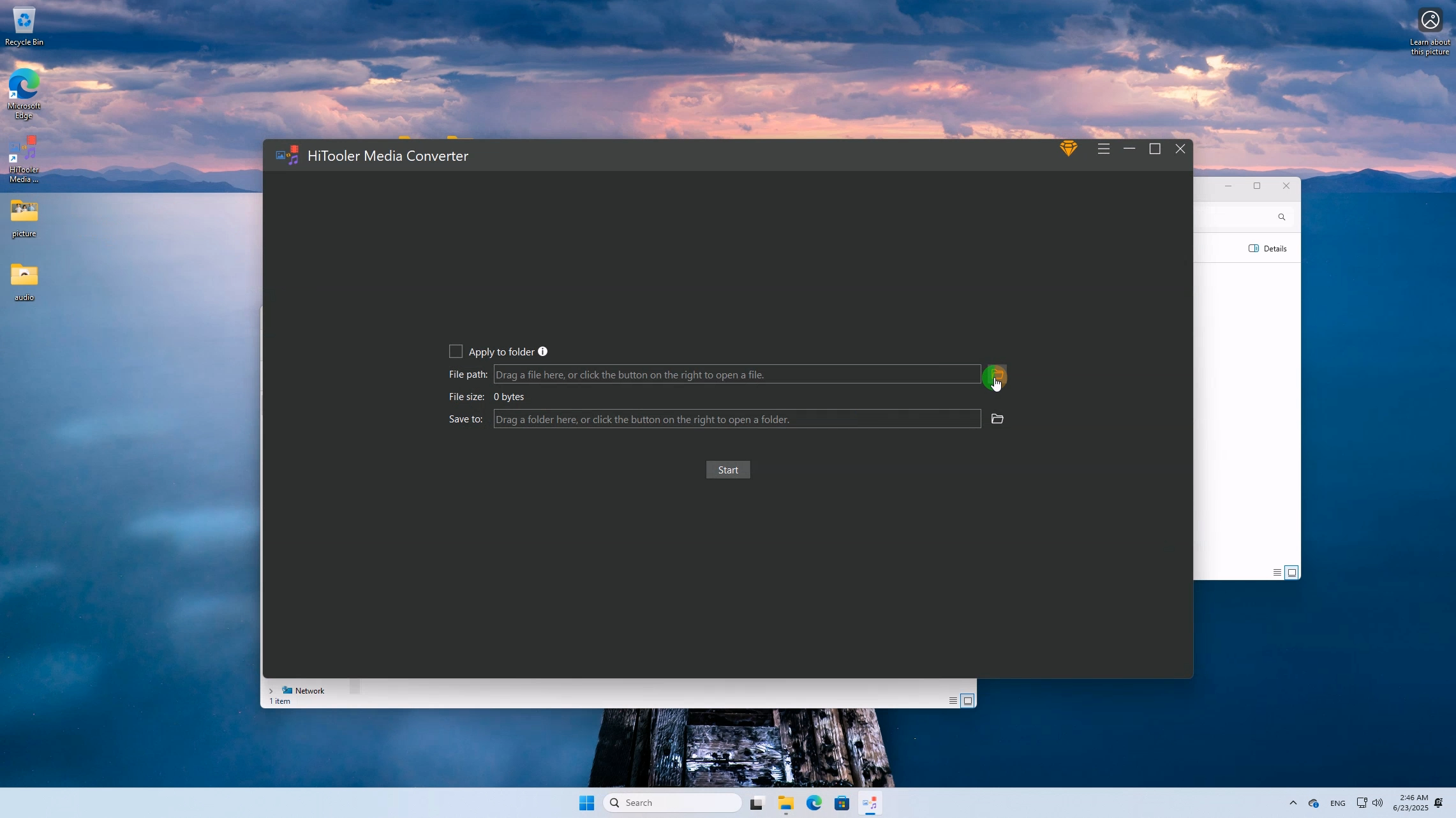
2. Click the "Open" button on the right side of "File Path" and select a video file you want to convert.
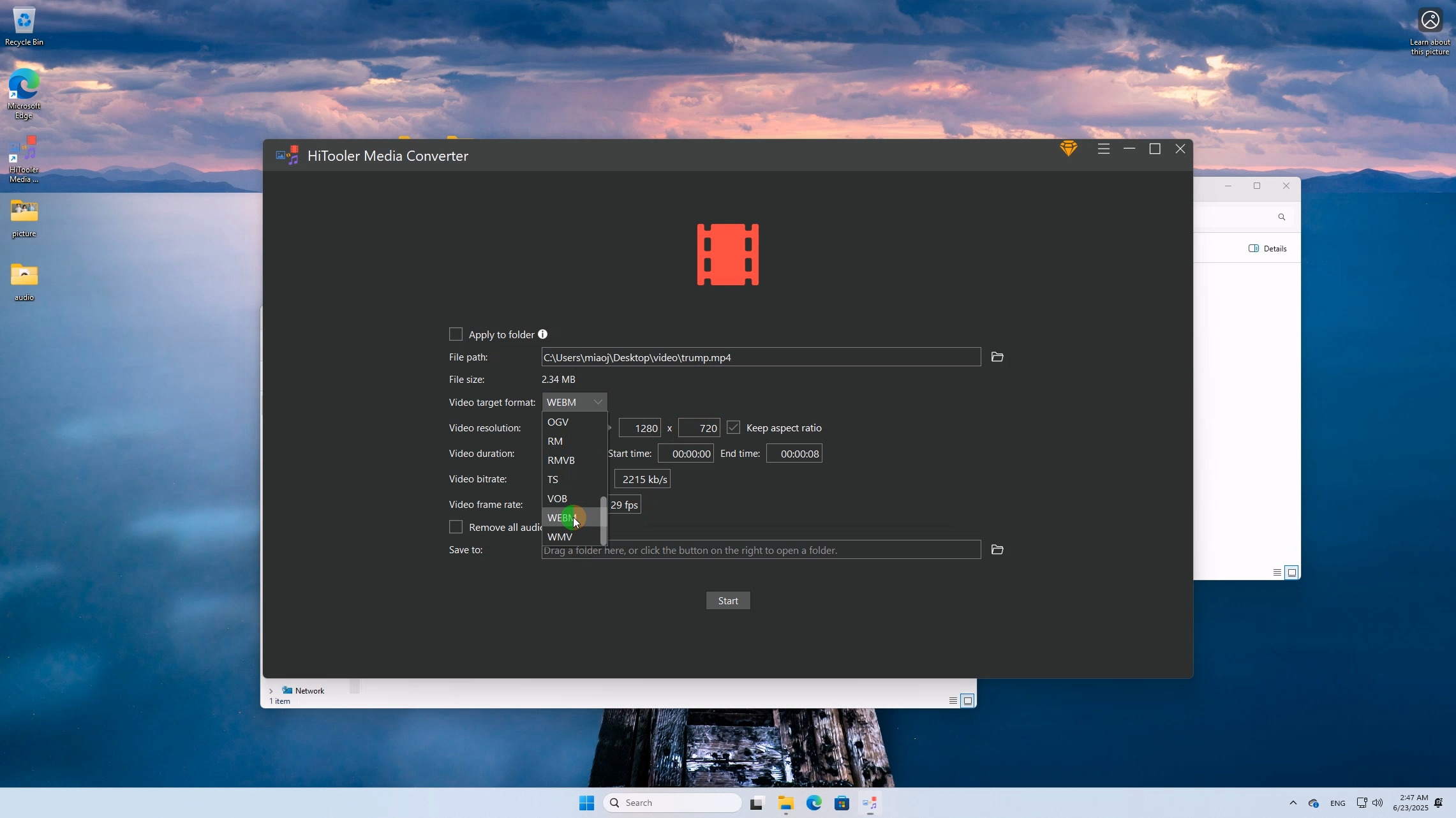
3. Select the target video format you want. You can also set the resolution, start and end time, frame rate, etc. of the video.
4. Click the "Start" button at the bottom.
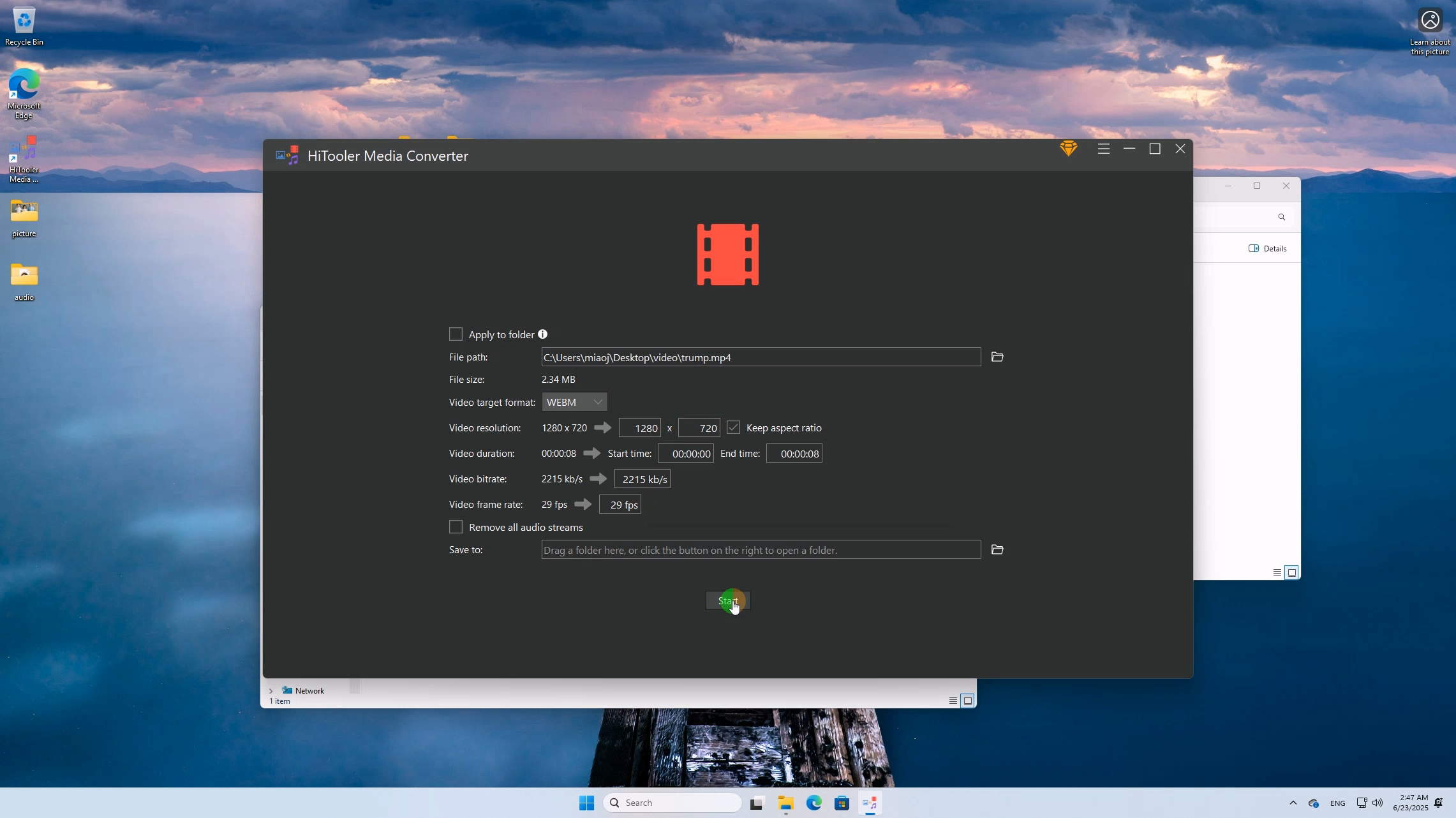
5. If you have not selected a folder to save the file, a folder selection box will pop up to let you select a folder.
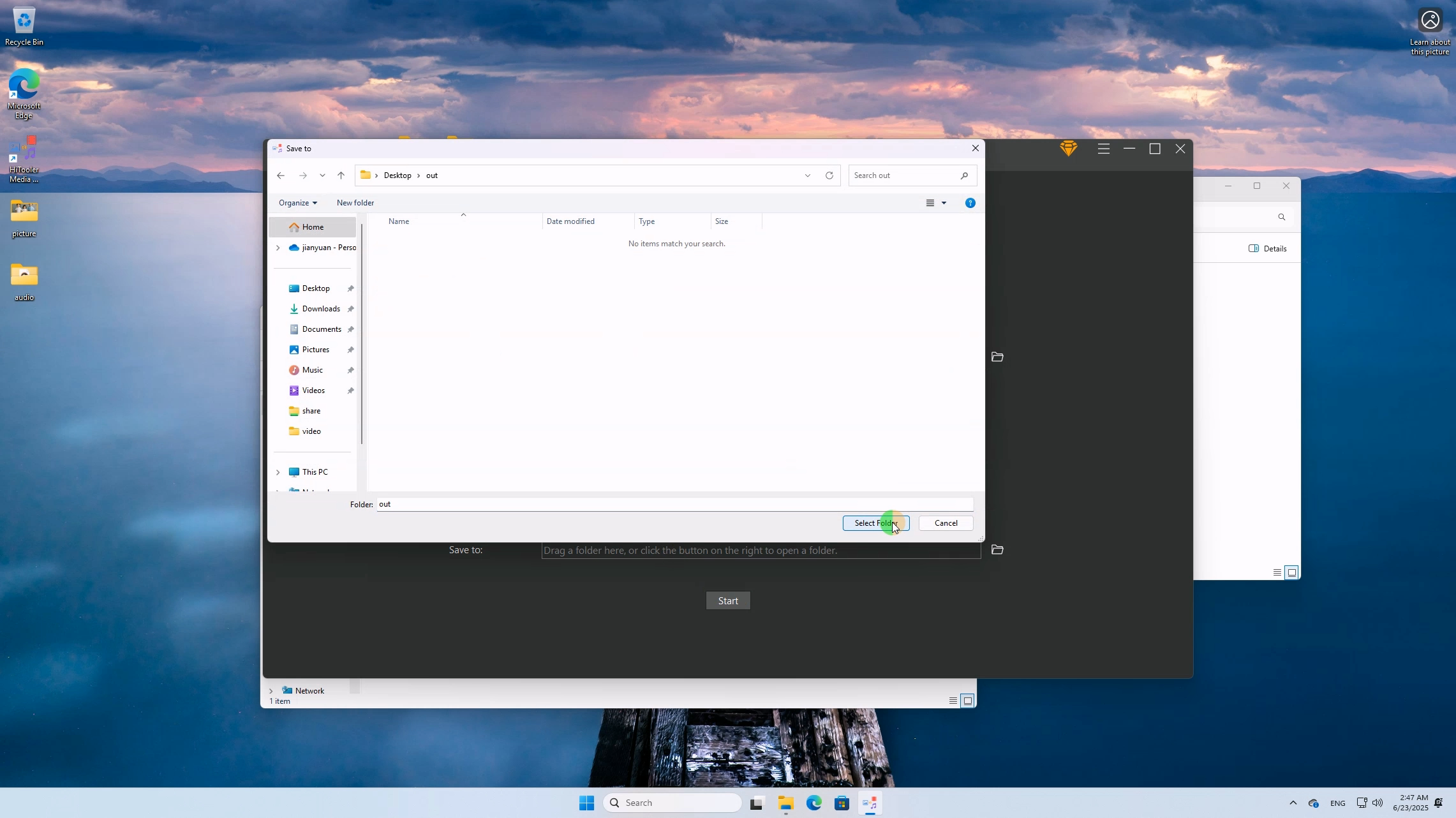
6. After selecting the folder to save the file, the software will automatically start converting.
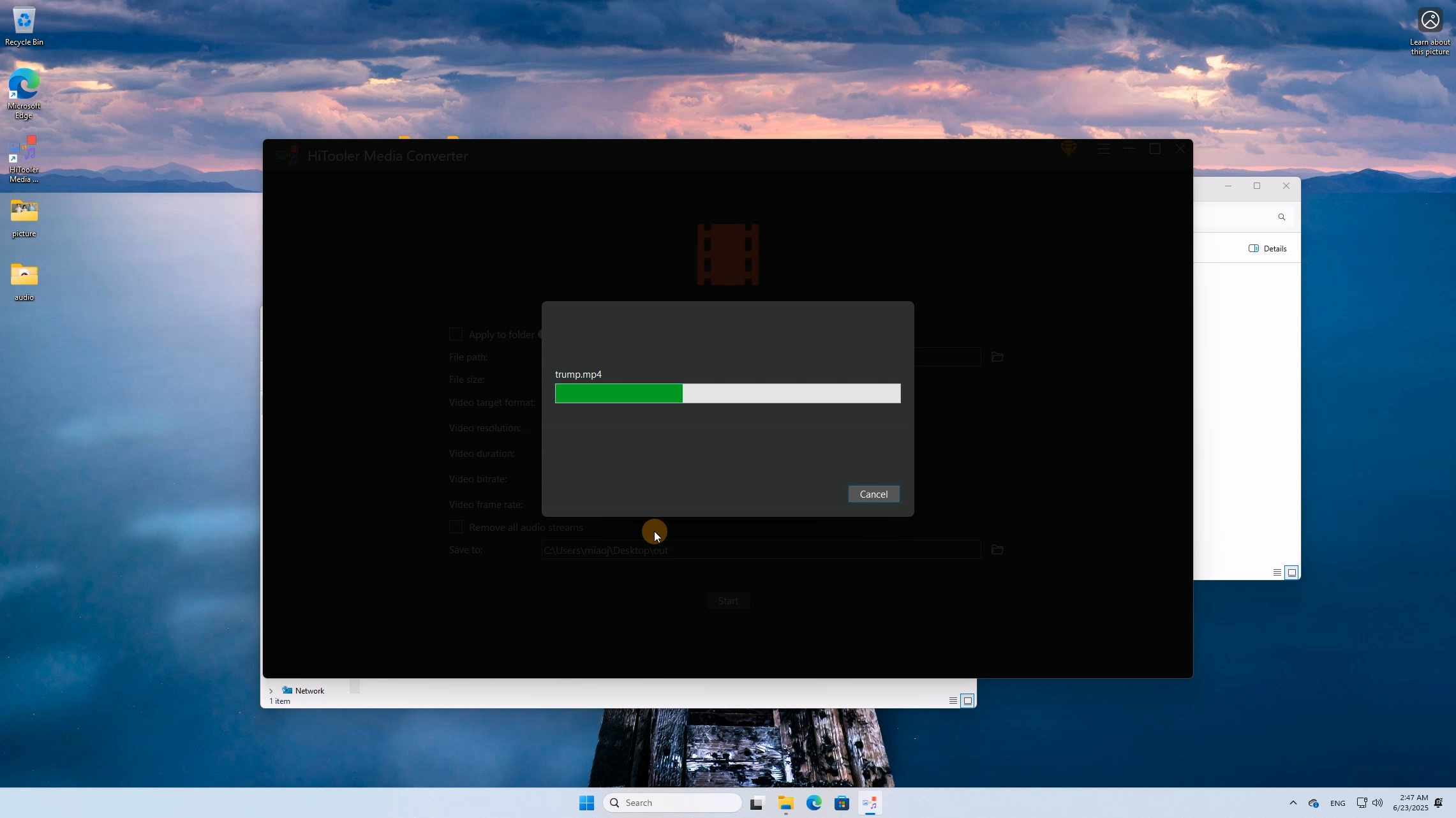
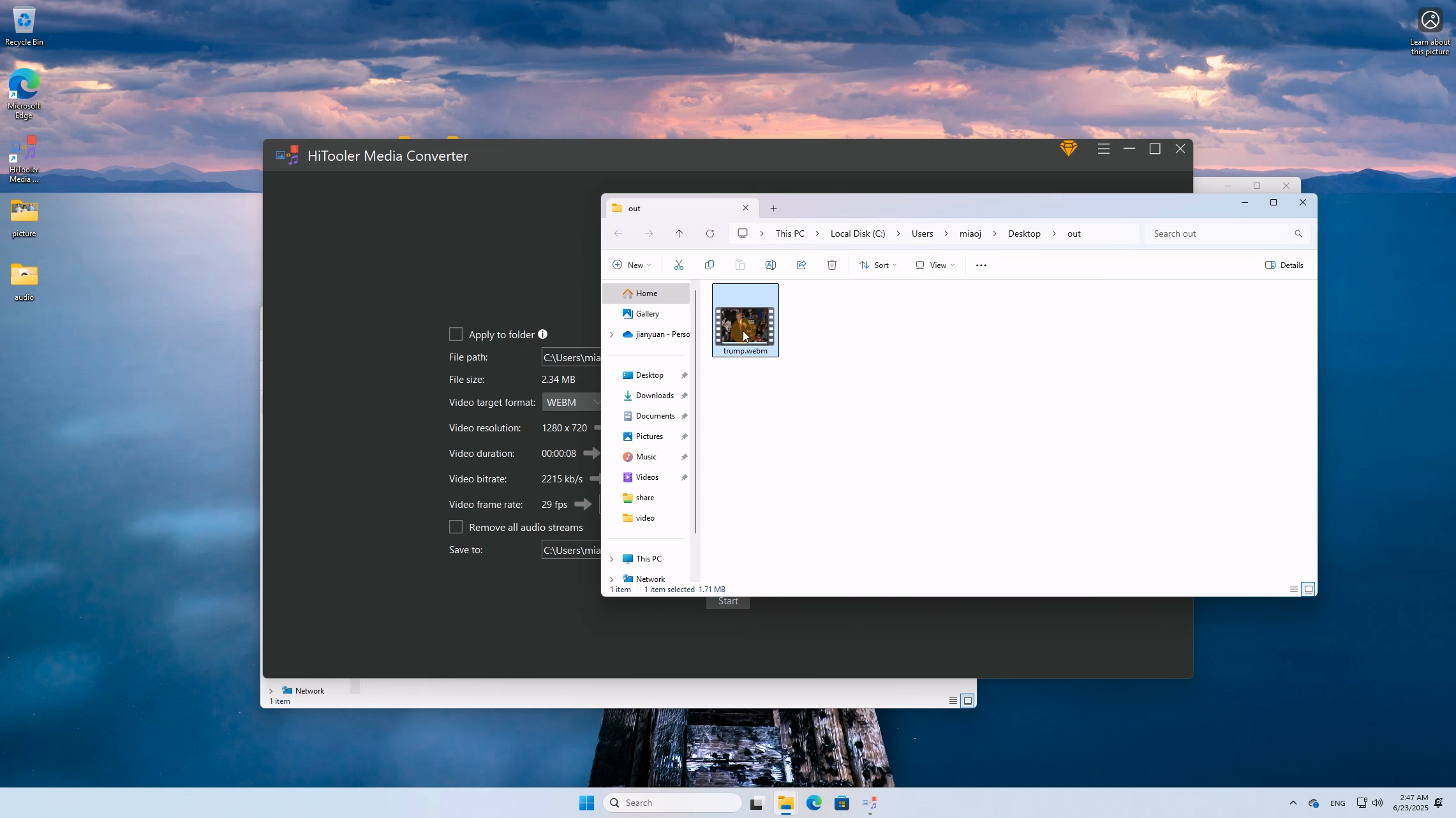
7. After the conversion is completed, the software will automatically open the folder where the converted file is located.