





 Support Center
 Contact us
"HiTooler GPS Mocker - Android" FAQs
How to change the GPS location of an Android phone to any location on Earth?
1. Install "HiTooler GPS Mocker - Android" and open it.
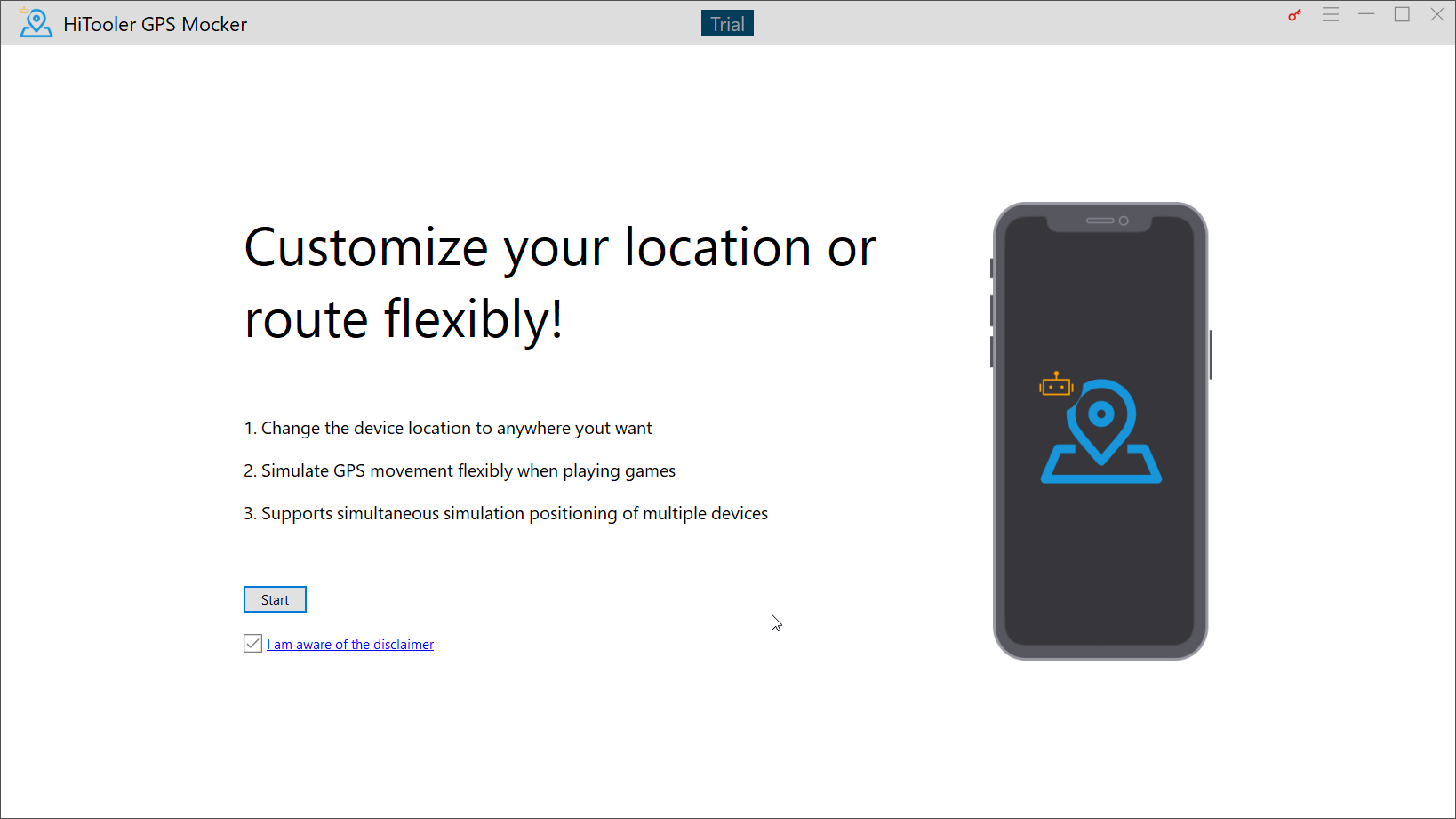
2. Connect the Android phone to the computer via a USB cable.
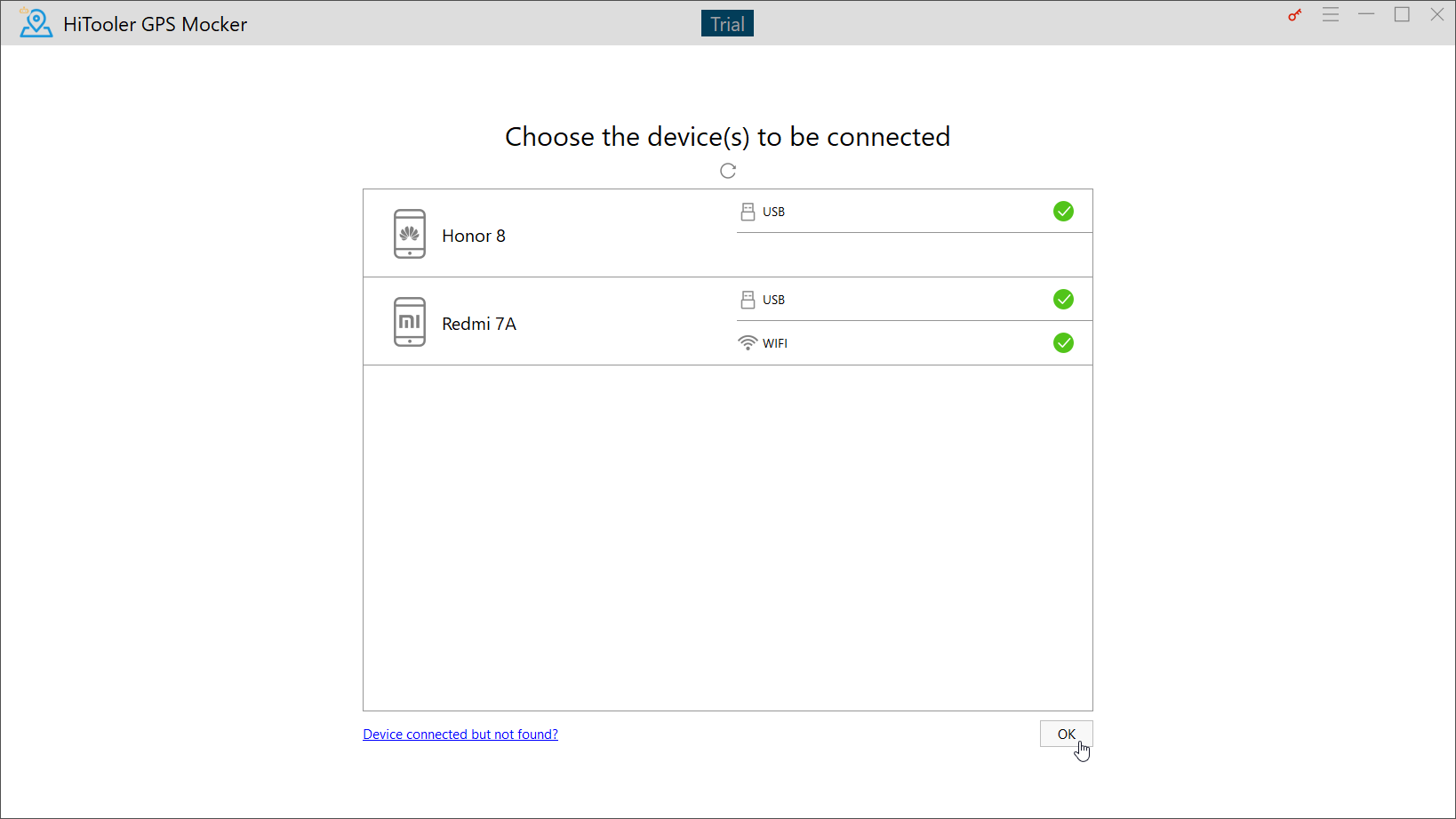
3. Find the Android phone you just connected in the device list interface of "HiTooler GPS Mocker - Android" and click the arrow on the right to start connecting the device.
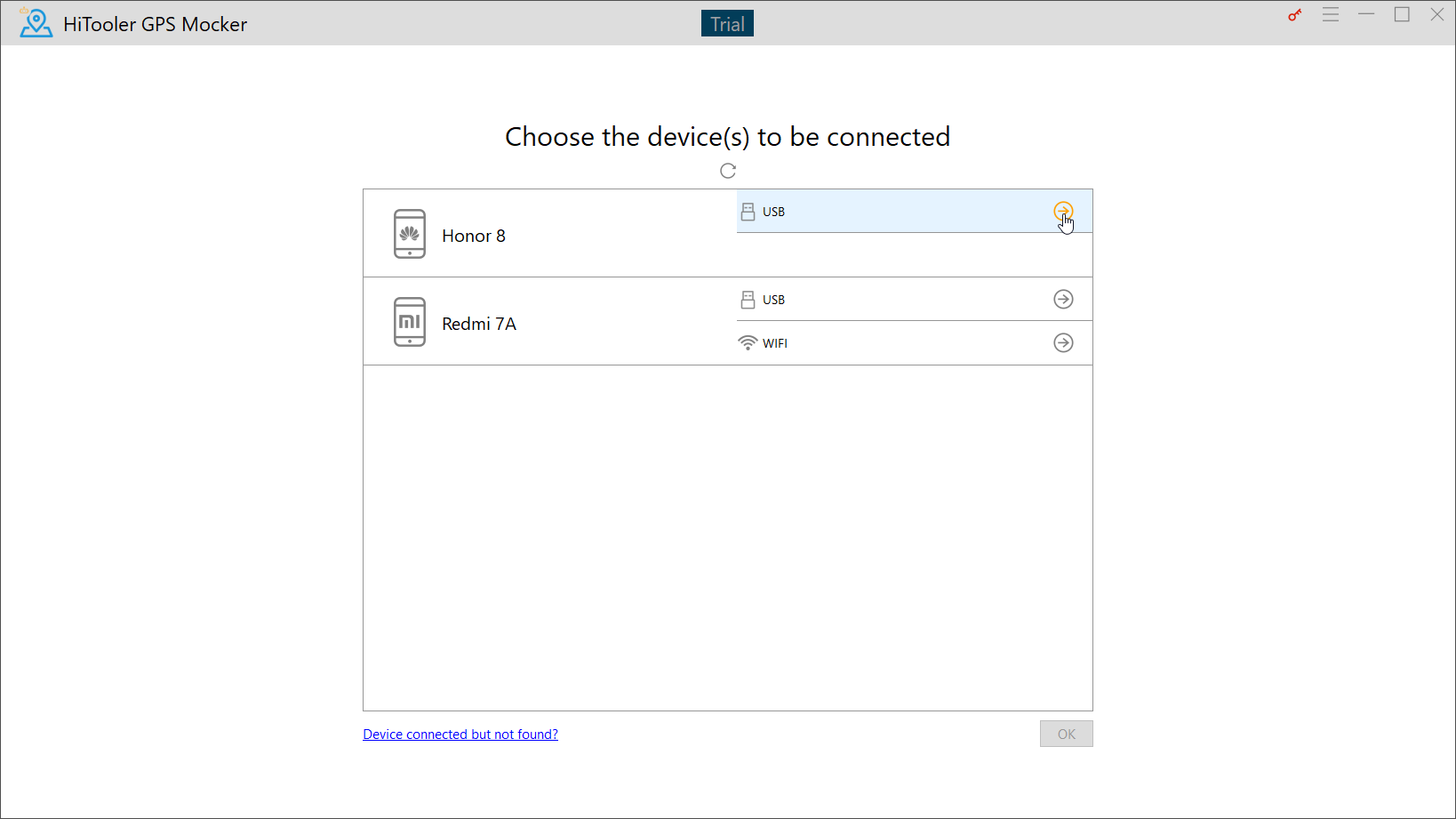
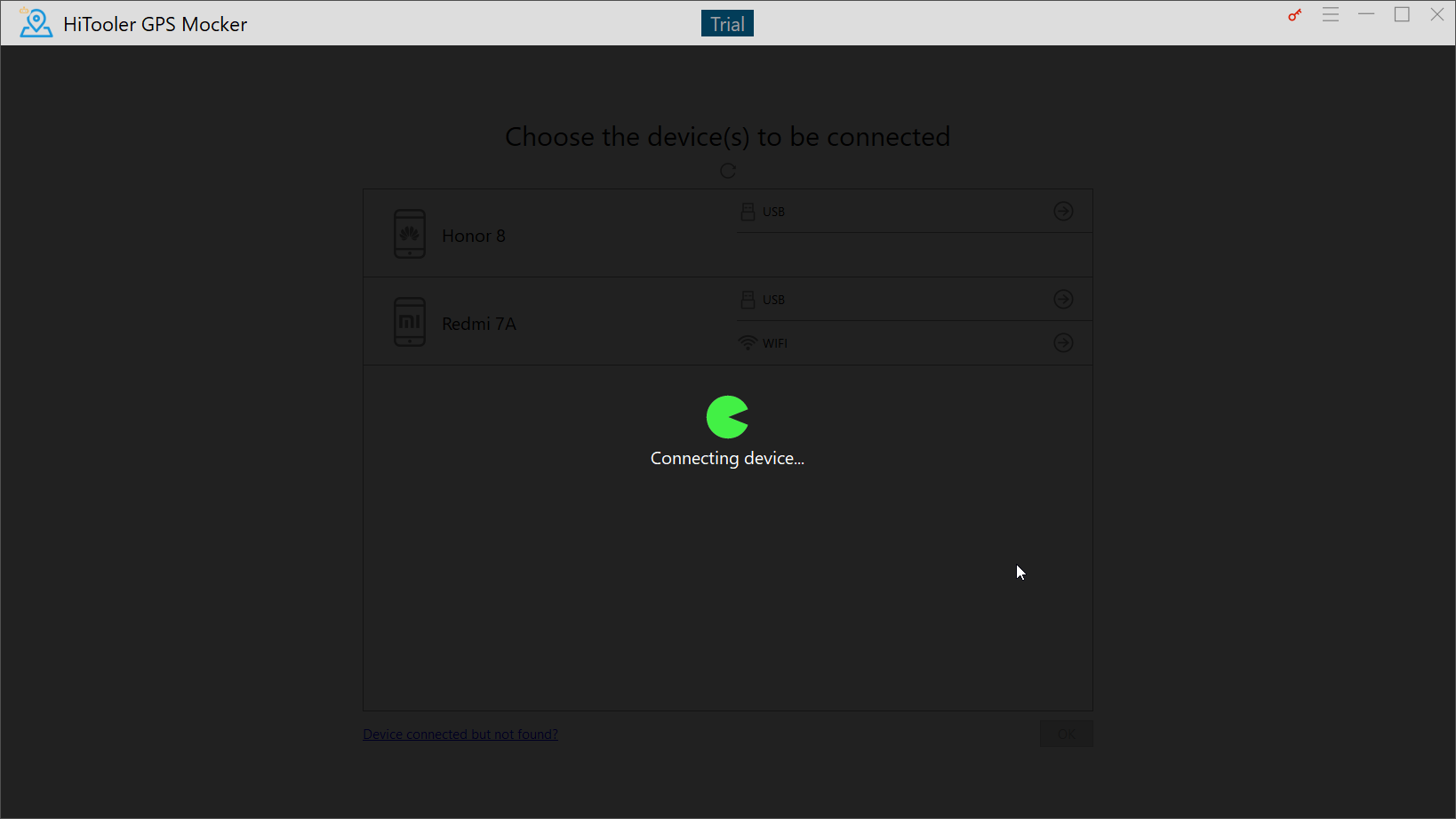
4. Operate the phone according to the prompts, turn on the "USB Debugging" of the phone, install the "GPS Mocker Assistant" application on the phone, and set the "GPS Mocker Assistant" as the application for simulating locations.
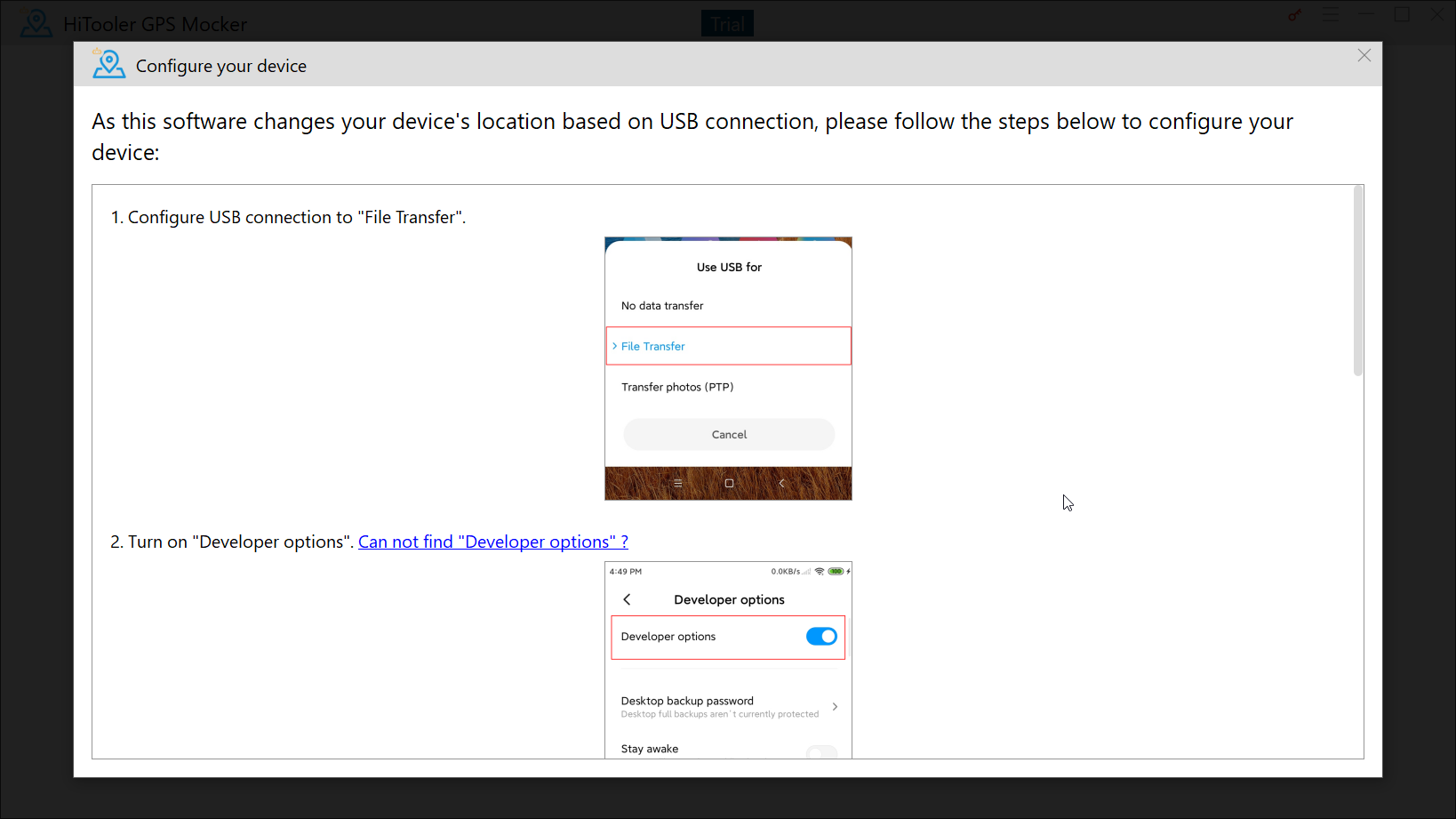
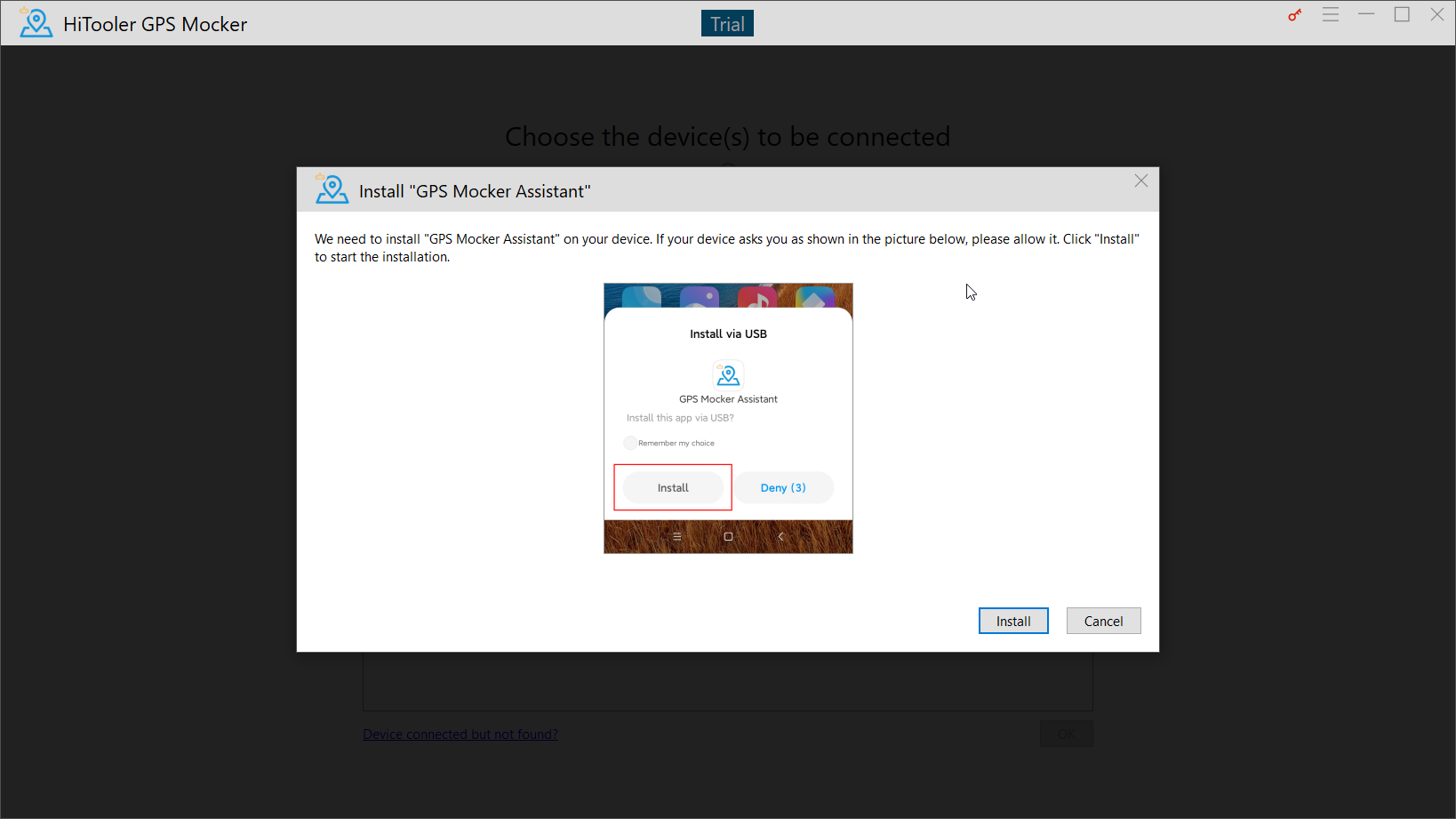
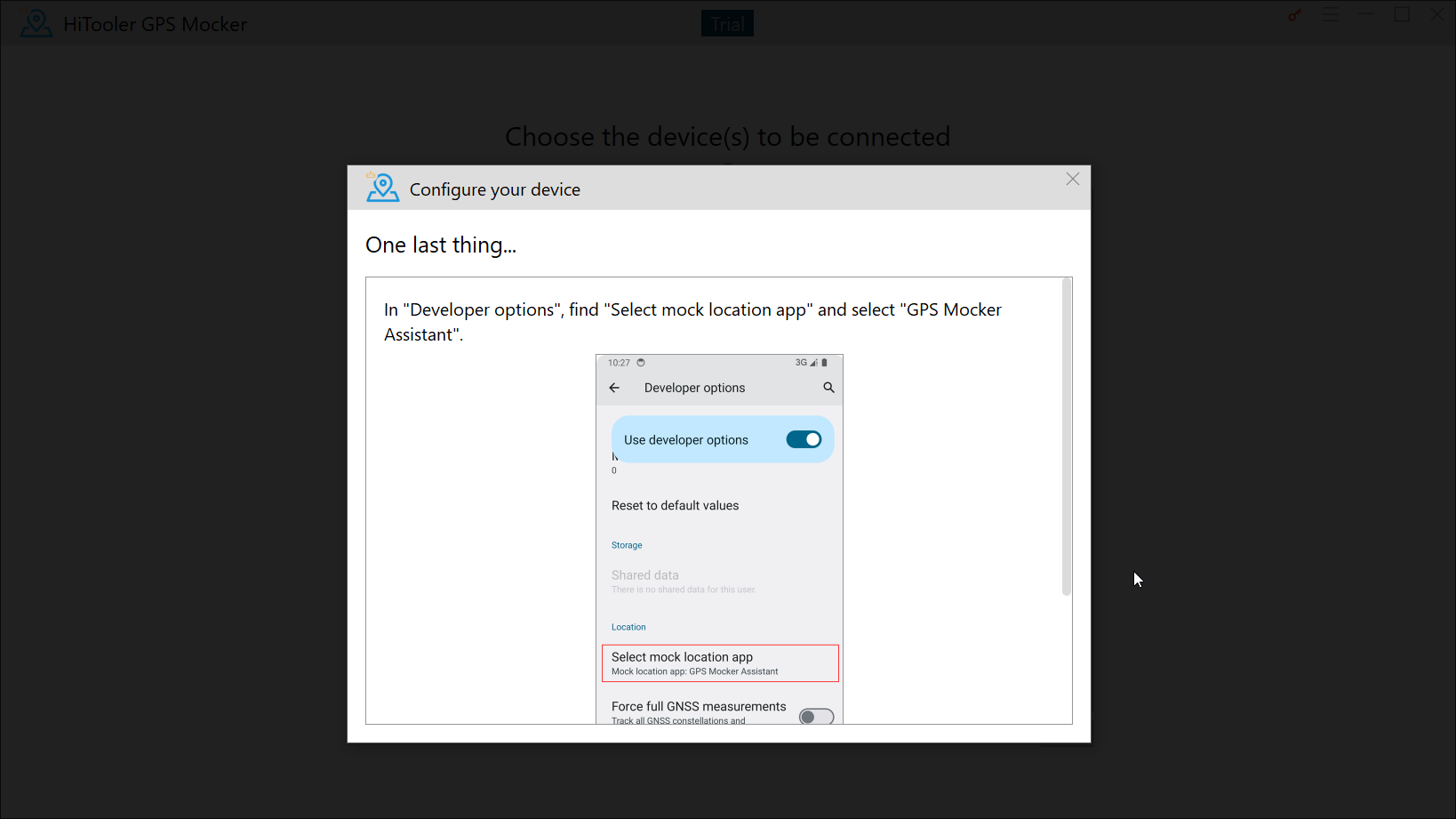
5. After connecting the Android phone, click the "OK" button in the lower right corner to enter the map interface.
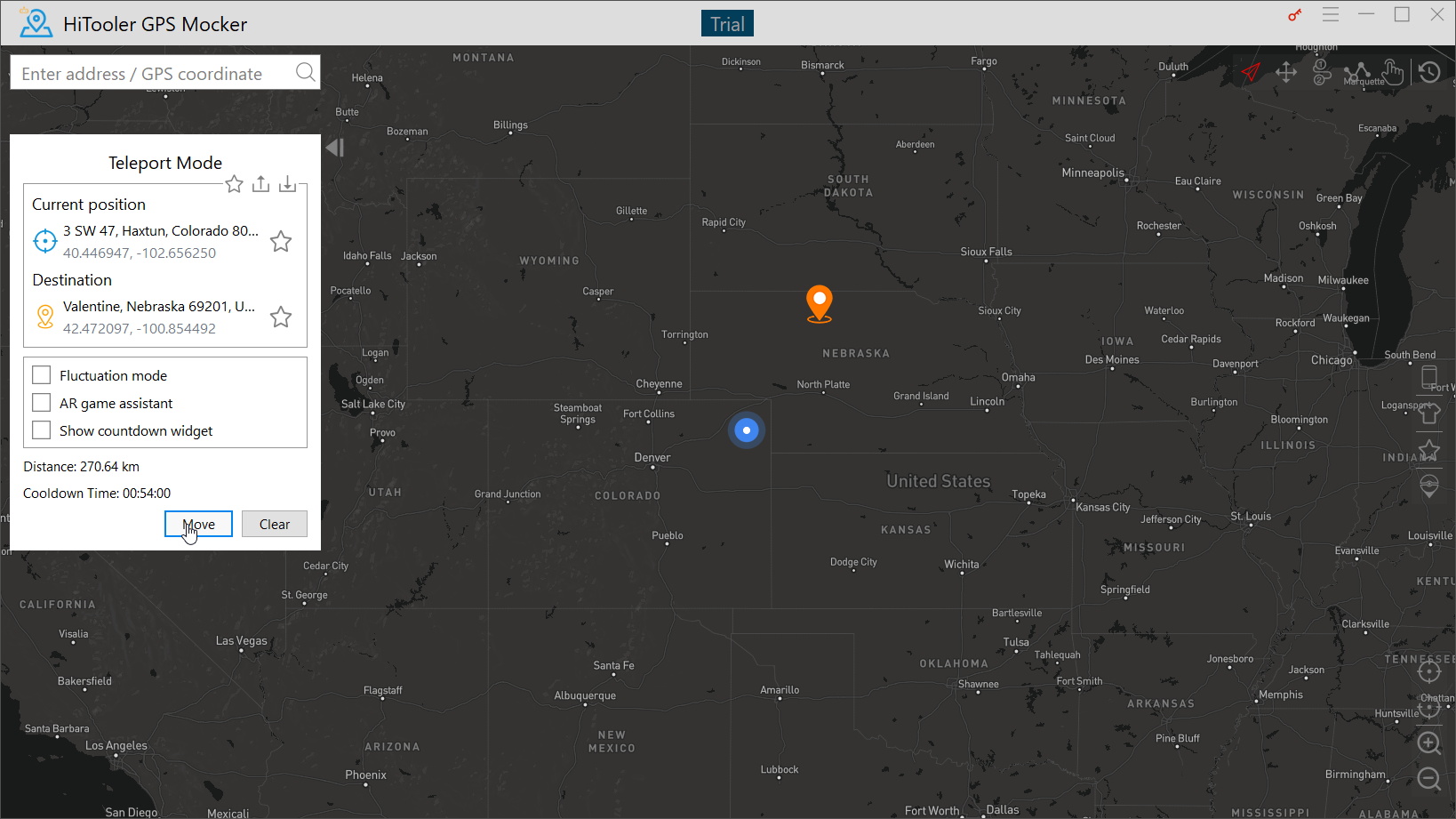
6. In "Teleport Mode", click any location on the map and click the "Move" button, and the location of the Android phone will immediately change to that location.
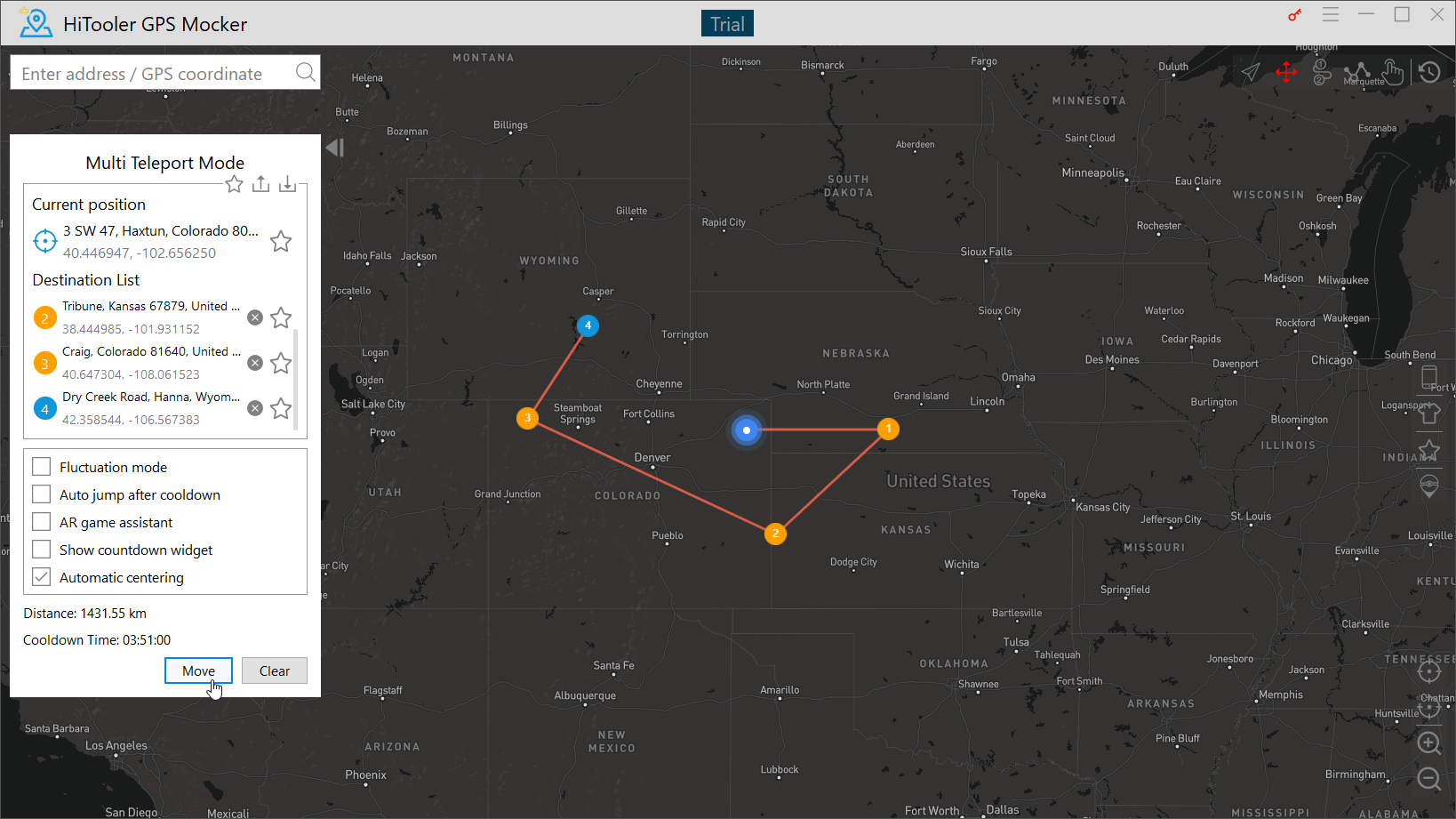
7. In "Multi Teleport Mode", click multiple locations on the map and click the "Move" button to transfer between multiple locations.
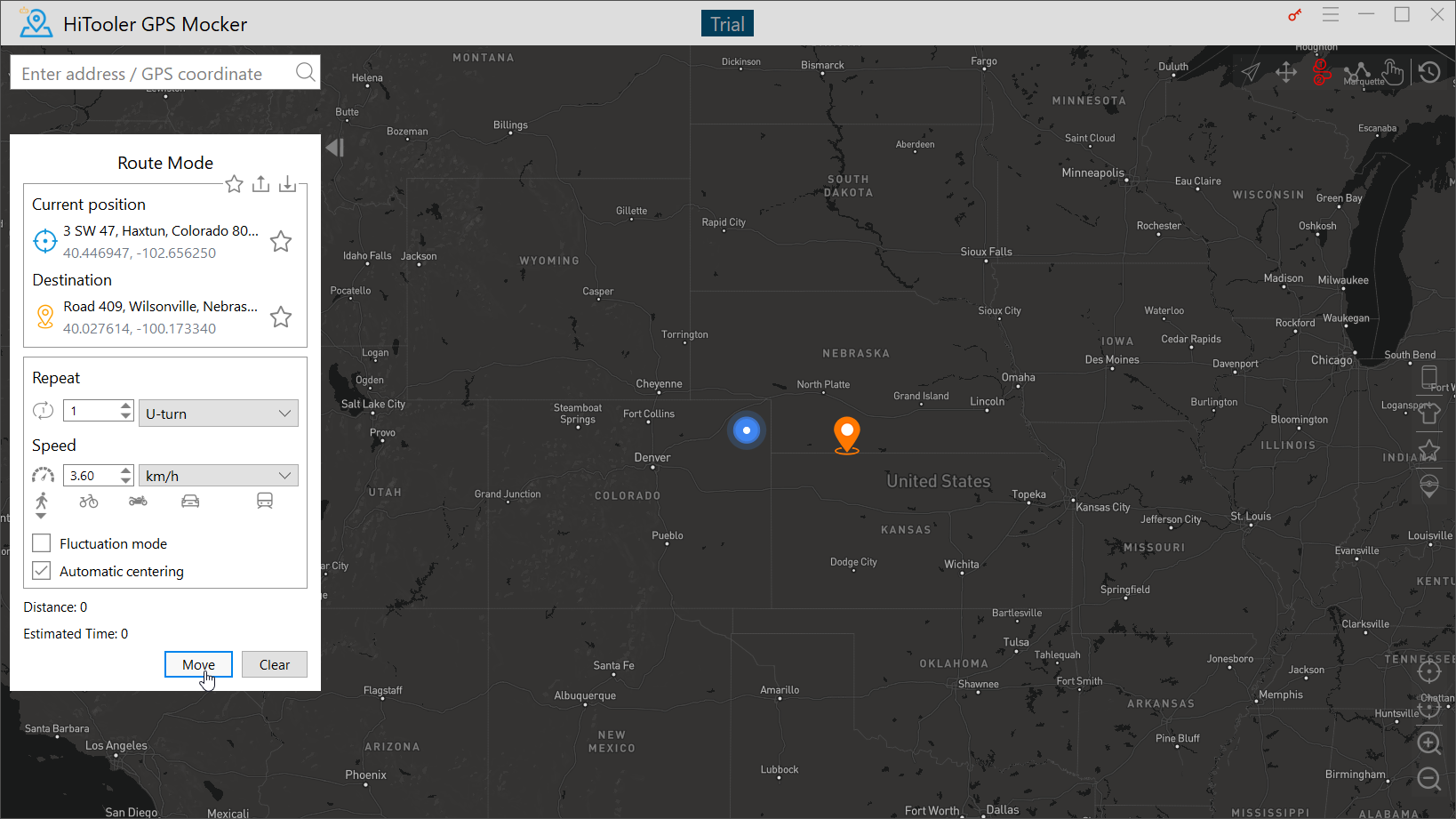
8. In "Route Mode", click any location on the map and click the "Move" button to simulate the movement of any speed in the real scene on a route automatically planned between two locations.
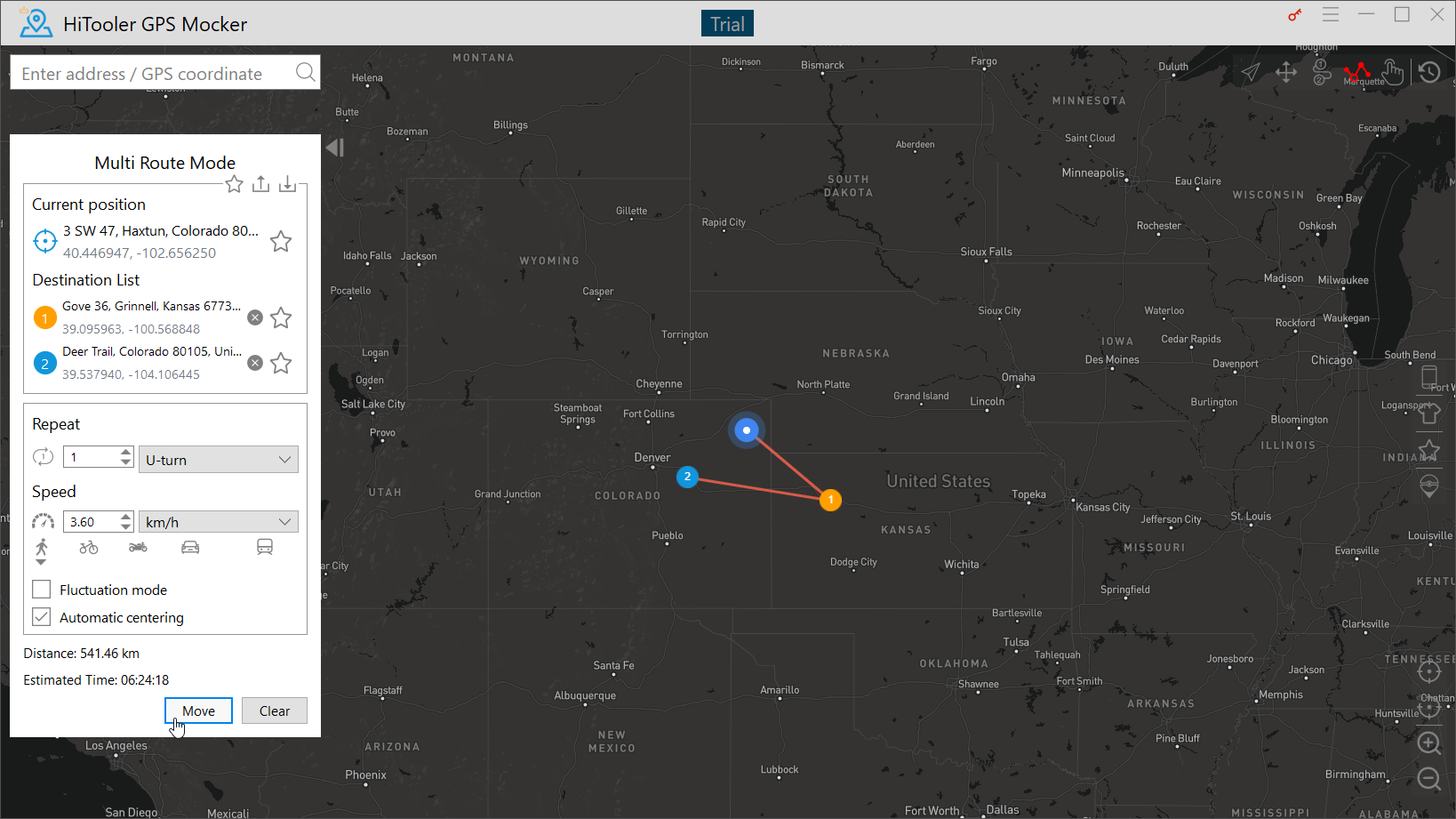
9. In "Multi Route Mode", click multiple locations on the map and then click the "Move" button to simulate the movement of any speed in the real scene on the straight line between two points in multiple locations.
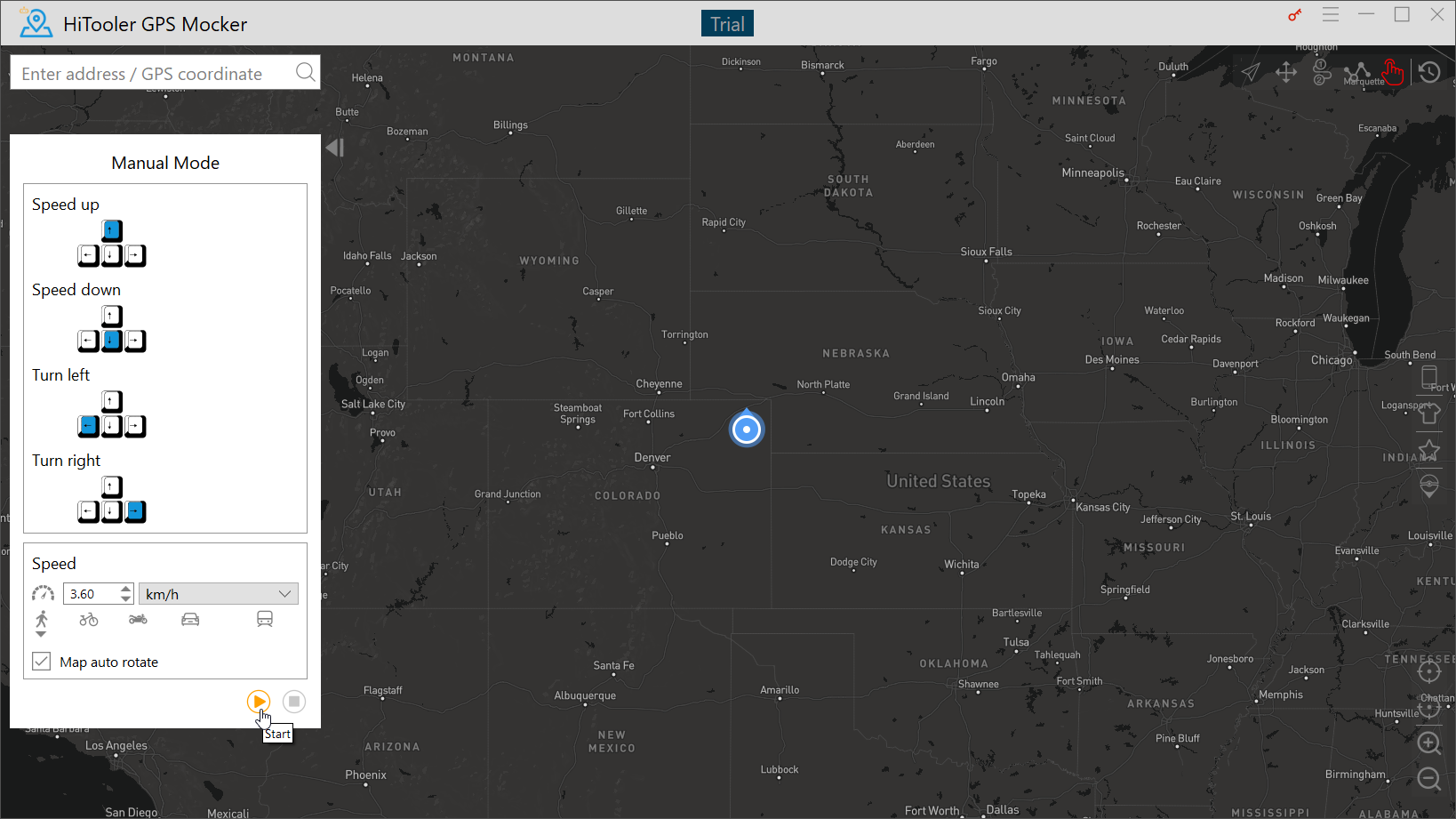
10. In "Manual mode", you can simulate the movement of any speed in the real scene by operating the keyboard.